
Terbius is your 3D file viewer.
Terbius is free.
Supported formats
STL, 3MF, OBJ, PLY, GLTF, GLB, AMF, GCODE, GCO, G, NC, TAP, NGC, DXF, SVG
Operating systems
Terbius is built for Linux and Windows
Languages
Terbius 3D Explorer supports 14 languages
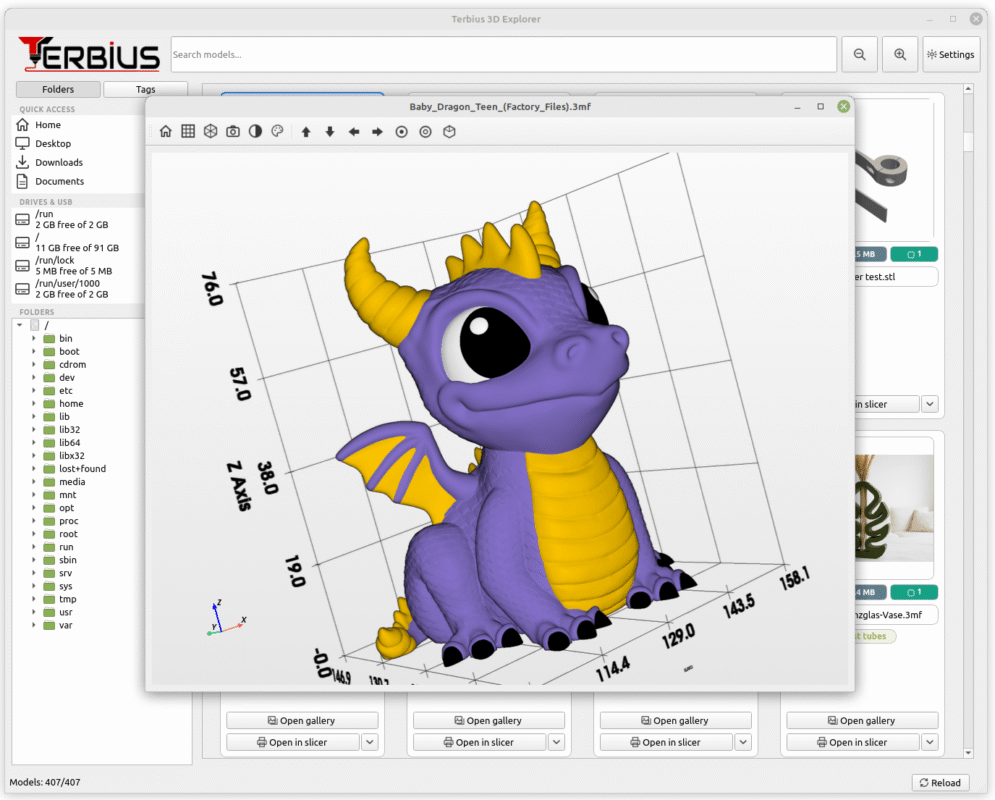
Terbius comes with its own built-in 3D model viewer.
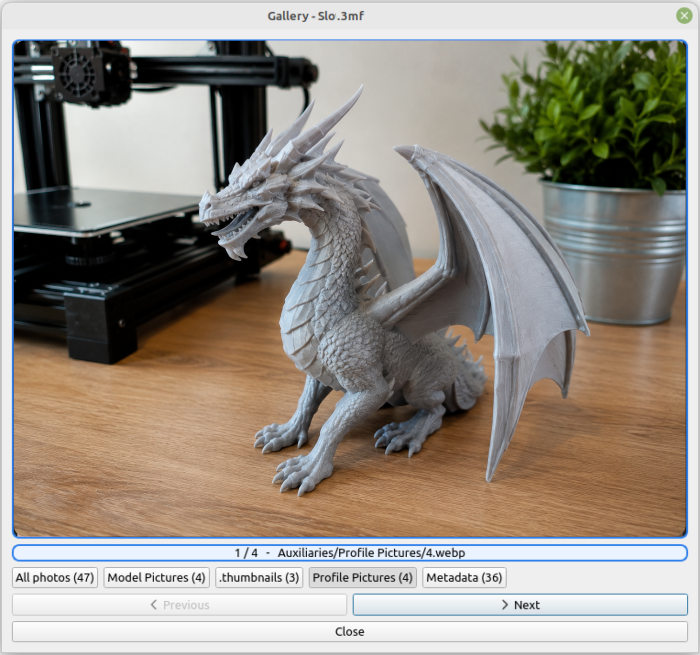
Terbius comes with its own 3D model viewer. It loads a simplified version of your model that you can rotate and view from every angle. You can also display the model’s grid, take screenshots, or change its color for a better view of the details.
If a file contains multiple print beds, Terbius allows you to view each one separately. Quick and easy.
System Requirements
Terbius 3D Explorer is optimized for excellent performance and smooth browsing of your 3D model collection.
4-core processor
Performance for everyday use
8gb RAM
For optimal performance
OpenGL 3.2+
Graphics card with support
5 GB
For the application and data
The program is designed to run even on modest hardware. Higher system requirements mainly apply when working with a very large number of models at once or opening extremely detailed 3D models (millions of triangles). For everyday use — dozens to hundreds of models — even a less powerful computer should handle Terbius comfortably.
Terbius lets you add custom tags to your 3D models.
Assign color-coded tags to your models. You can move tags up or down in the list to organize them by importance. You can also choose a custom color for each tag.
Terbius supports bulk tagging of models. Simply hold CTRL and select multiple models with your mouse, then right-click and add tags to all selected models at once.
Add your own colors
Move important tags up
Add tags quickly
CTRL + select models -> add tags
Easy opening of the slicer
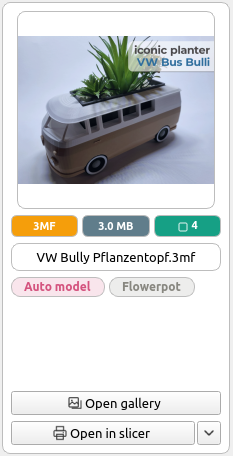
From the model card, you can open your 3D model directly in your slicer. Simply add all the slicers you use in the settings. Clicking “Open in slicer” will open your default slicer.
For more information, see the guide.
Useful features
Features that make working with your 3D files easier. Terbius gives you quick access to your folders as well as connected USB drives.
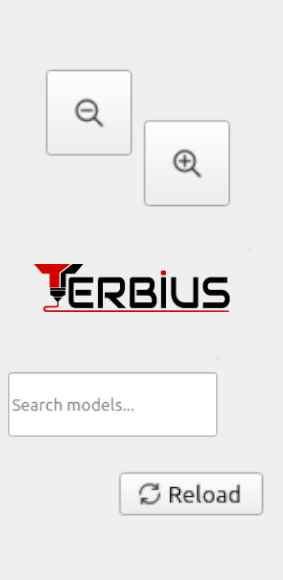
The program also includes model search by name and lets you resize model cards to make them larger or smaller.
In the bottom-right corner, you’ll find the “Reload” button, which refreshes and reloads all models in the folder.
Subscribe us.
CNC and Laser File Support
Add your own colors
Move important tags up
Add tags quickly
CTRL + select models -> add tags
DXF and SVG
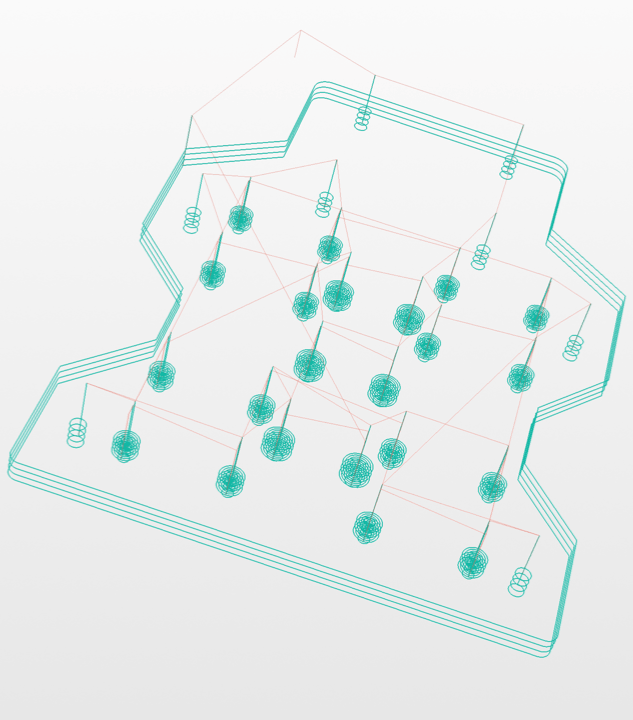
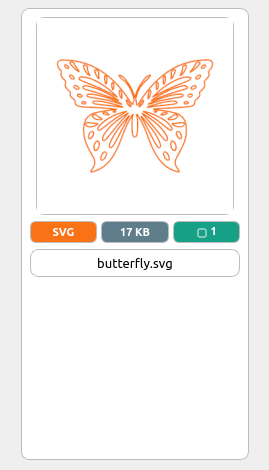
Terbius 3D Explorer also supports displaying vector graphics in DXF and SVG files. Terbius displays only vectors (paths) and does not display embedded images in these files.
If a DXF or SVG file contains no vectors, Terbius will not display a preview or generate a 3D viewer.